Blog · Trade Copierr
TradingView Alerts to MT5 Through Telegram: How the Route Works
TradingView can create the alert, but it does not directly place a trade in your MT5 account through this route. The message travels through your Telegram channel, where it is read and translated for the MT5 terminal. Each hand-off needs its own check.
Keep the route visible
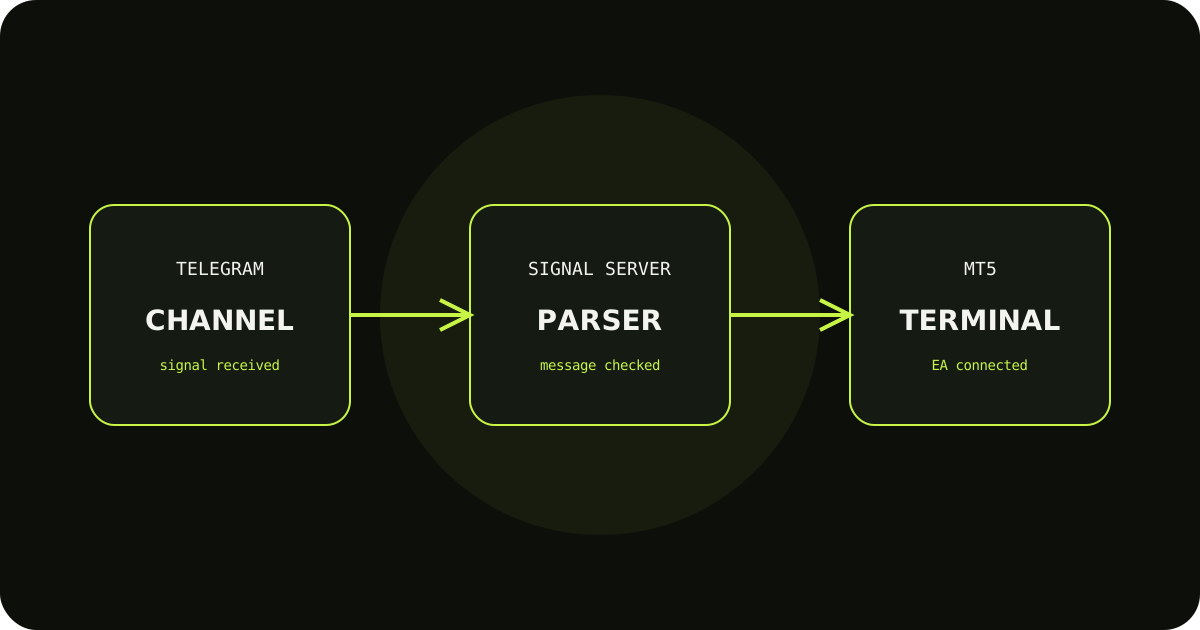
The path is TradingView alert → Telegram message → parser → signal server → MT5 EA. When something fails, identify the last stage that worked rather than changing the alert and terminal settings together.
Make the message unambiguous
Use a consistent symbol, action, and level format. If your broker uses a suffix, decide whether the message contains the source symbol or the mapped symbol and test that choice on demo.
Start with a harmless alert
Use a test alert that is easy to identify and inspect. Confirm it appears in Telegram, then in the copier logs, and finally as the expected demo action in MT5.
A sensible way to test it
- Write down the expected result before sending the demo trade.
- Check the terminal history and the copier logs, not only the chart.
- Change one setting at a time so you know which adjustment fixed the issue.
TradeCopierr is designed to make the copying route easier to inspect, but the final setup still depends on your broker, account type, symbols, permissions, and chosen settings. Use a demo account while you are learning the behavior, then decide whether the setup is appropriate for your own risk plan.
Read next: TradingView to MT5 · Telegram to MT5
Public comments are saved for this blog post and shown to other readers.