MT5 & MT4 Trade Copier
Copy trades from a master MetaTrader account to every follower — MT5 to MT5 or MT4 to MT4 — including SL, TP, closes, and symbol mapping across brokers.
One master MetaTrader 5 account. Entries, SL and TP land on every follower, across brokers, on MT5 or MT4. Pay from your wallet, not for signals.
Multiple accounts or different brokers? Read the MT5 trade copier guide →

Coverage
MT5 to MT5 · multi-account
Trade Copierr is a native MT5 to MT5 trade copier: one master account, many follower accounts, copied by Master and Follower Expert Advisors. Custom EAs, indicators, and rentals sit on the same wallet when you need them.
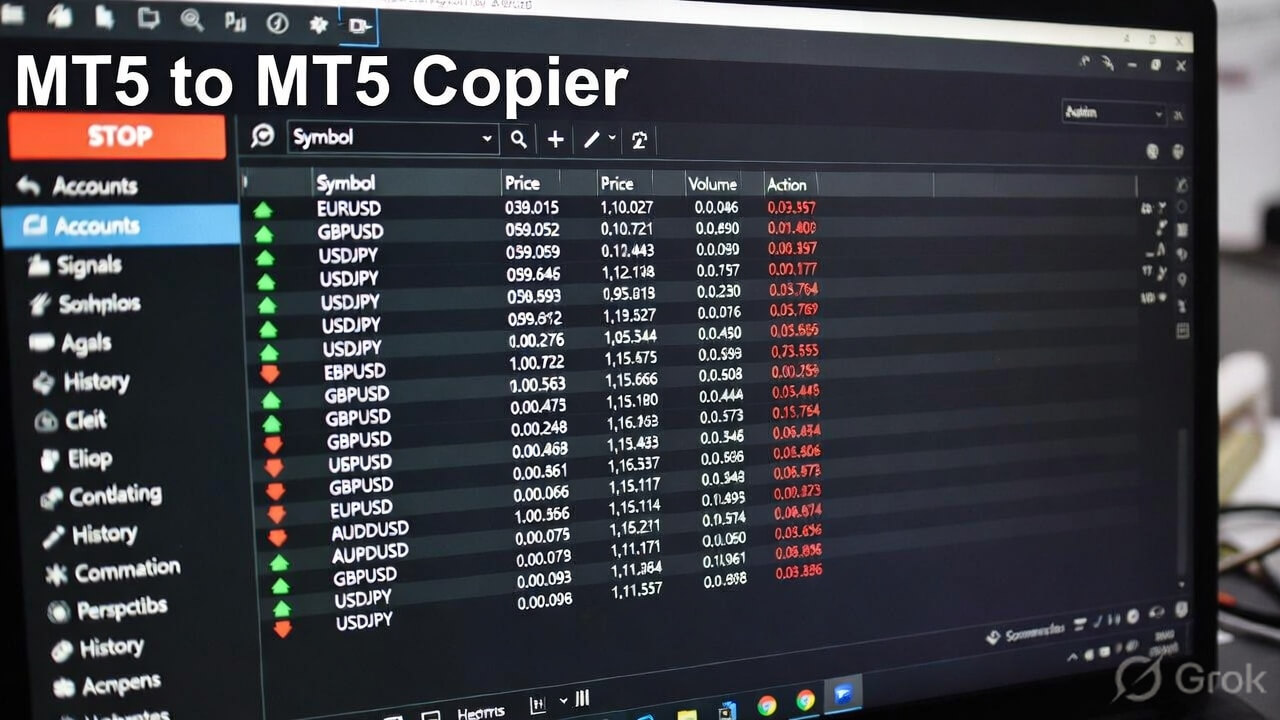
Attach a Master EA on one MetaTrader 5 account and Follower EAs on the rest. Entries, SL, and TP copy across brokers, including accounts that use different symbol names. This walkthrough shows the live flow.
Master-to-follower MetaTrader 5 copy is the core. EAs, rentals, and MT4 sit around it — not the other way around.
Copy trades from a master MetaTrader account to every follower — MT5 to MT5 or MT4 to MT4 — including SL, TP, closes, and symbol mapping across brokers.
Your data and execution are protected with robust infrastructure and best-in-class security.
Get bespoke Expert Advisors and technical indicators built by experienced MQL developers.
Access premium EAs and indicators on a flexible rental basis—no large upfront cost.
Copy Telegram channel signals straight to your MetaTrader account with filters and lot rules.
Clear monthly, quarterly, and lifetime options. Top up wallet and pay only for what you use.
Four steps to run an MT5 to MT5 trade copier — no extra terminals beyond the accounts you already have.
Sign up and open the copier dashboard. You will get the Master and Follower EAs for MetaTrader 5.
Load the Master EA on the MT5 account that places the trades. That account becomes the source.
Put a Follower EA on every other MT5 account — same broker or a different one, with symbol mapping if needed.
Open, modify, or close on the master. Connected followers copy the trade with the lot and risk rules you set.
If a ready-made tool does not fit your strategy, our MQL developers build custom Expert Advisors, indicators, and modifications for MT4 and MT5.
Turn your strategy into an MT4 or MT5 EA — entries, exits, lot sizing, and risk rules coded the way you trade.
Chart tools, alerts, and signals built around your setup so you see what matters without extra noise.
Already have an EA or indicator? We update logic, repair bugs, and add the features you are missing.
Rules, screenshots, or an existing file — whatever you have.
We review the scope and confirm timeline and price before work starts.
MQL development with revisions so the tool matches how you trade.
Compiled file plus setup notes, delivered through your dashboard.
Setup notes for the MT5 to MT5 trade copier, lot sizing, and risk across multiple accounts.
A complete, plain-English explanation of how an MT5 trade copier works — master and follower accounts, what gets copied, same-broker vs different-broker setups, and how to judge any copier before you trust it with live capital.

TradingView strategy alerts ko live MT5 orders me convert karne ka practical, step-by-step setup — alert ko apne Telegram channel par route karo aur TradeCopierr ka copier baaki sab handle kare.

The practical workflow for copying trades from one MT5 master account to several follower accounts: setup order, per-follower lot sizing, disconnect behaviour, and the demo checklist to run before live capital.
Flexible plans tailored for your growth. No hidden costs, just exceptional tools.
Copy trades on MetaTrader 4 or MetaTrader 5. 3 months ₹3,000, or lifetime ₹12,000. No monthly plan.
Copy signals from Telegram channels directly to your MT.
Join traders running an MT5 to MT5 trade copier — plus EAs and rentals from the same dashboard.
Straight answers on copying MetaTrader 5 accounts, brokers, and setup.
An MT5 to MT5 trade copier mirrors trades from one MetaTrader 5 master account to one or more follower MT5 accounts in real time — including entries, stop loss, take profit, and closes.
Yes. Trade Copierr copies between MT5 accounts at the same broker or different brokers. Symbol mapping handles suffixes and prefixes like EURUSD.i or XAUUSDm.
The Master EA sends the trade event to the Trade Copierr copier server, and each Follower EA places it on its own terminal. Fill time depends on the terminal connection, VPS location, and the broker. Test the full path on demo before live capital. Trade Copierr does not publish a guaranteed millisecond latency.
MT5 to MT5 is the core product. The same platform also supports MT4 copy and Telegram Copier if you need those routes later.
Create an account, attach the Master EA on your main MT5 terminal, attach Follower EAs on the accounts you want to copy into, then trade as usual. A setup video is on the homepage.
Yes. Request custom development from the homepage or your dashboard — new Expert Advisors, indicators, modifications, or bug fixes for MT4 and MT5. We review the brief, share a quote, then build and deliver the compiled file.
Yes. Alongside the MT5 to MT5 trade copier you can request custom MQL work and pay from a wallet — without buying tools you will not use.