Blog · Trade Copierr
Telegram Signals Not Reaching MT5? A Practical Troubleshooting Guide
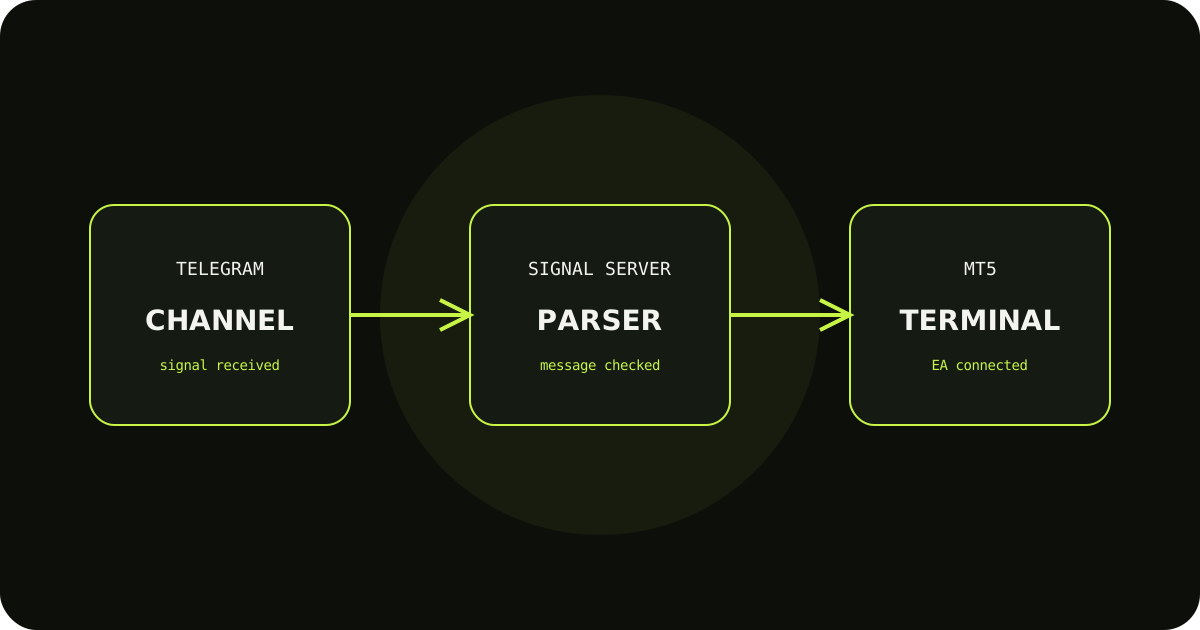
When a Telegram signal does not reach MT5, restarting everything at once makes the cause harder to find. Check the route in order: did the channel message arrive, was it parsed, did the server accept it, and was the EA ready to act?
Check the first hop
Look for the original message in the Telegram or signal logs. If it is missing there, the issue is likely channel access, the channel ID, or the connection rather than the MT5 terminal.
Check parsing and symbols
A message can arrive but still fail to produce a usable order if the symbol or action format is not recognized. Compare the message with the format your setup expects, including broker suffixes.
Check the terminal last
Confirm the EA is attached, the rental key is valid, AutoTrading is enabled, and the account has enough margin. Use the execution reason in the logs instead of guessing from the chart alone.
A sensible way to test it
- Write down the expected result before sending the demo trade.
- Check the terminal history and the copier logs, not only the chart.
- Change one setting at a time so you know which adjustment fixed the issue.
TradeCopierr is designed to make the copying route easier to inspect, but the final setup still depends on your broker, account type, symbols, permissions, and chosen settings. Use a demo account while you are learning the behavior, then decide whether the setup is appropriate for your own risk plan.
Public comments are saved for this blog post and shown to other readers.