Blog · Trade Copierr
MT5 Trade Copier Missed a Trade? A Step-by-Step Log and Reconnect Check
When a follower misses a trade, resist the urge to open another position manually before checking the evidence. A missed copy can come from a disconnected EA, a missing symbol, a volume rule, insufficient margin, or a trade that was never eligible for copying.
Check the master and follower timestamps
Compare the master terminal history with the follower terminal history and the copier log. The order of those timestamps tells you whether the problem started at the source, in the route, or at execution.
Read the reason, not only the status
Look for symbol mapping, volume step, permission, margin, market session, or connection messages. A status such as skipped is useful only when the reason is visible.
Reconnect in a controlled way
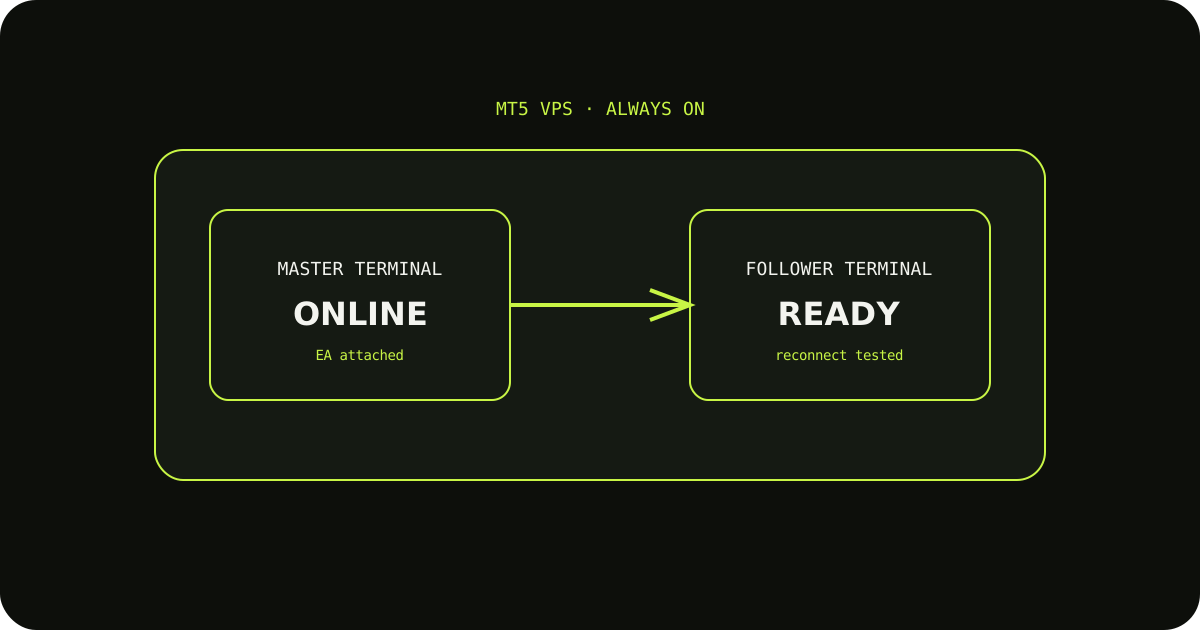
Confirm the EA is attached and the terminal is online, then reconnect during a demo test. If you need to recover a live position, follow your own manual-trade policy rather than duplicating an uncertain order.
A sensible way to test it
- Write down the expected result before sending the demo trade.
- Check the terminal history and the copier logs, not only the chart.
- Change one setting at a time so you know which adjustment fixed the issue.
TradeCopierr is designed to make the copying route easier to inspect, but the final setup still depends on your broker, account type, symbols, permissions, and chosen settings. Use a demo account while you are learning the behavior, then decide whether the setup is appropriate for your own risk plan.
Read next: MT5 copier guide · Trade copier history
Public comments are saved for this blog post and shown to other readers.