Blog · Trade Copierr
MT5 Trade Copier Demo Checklist: What to Test Before Going Live
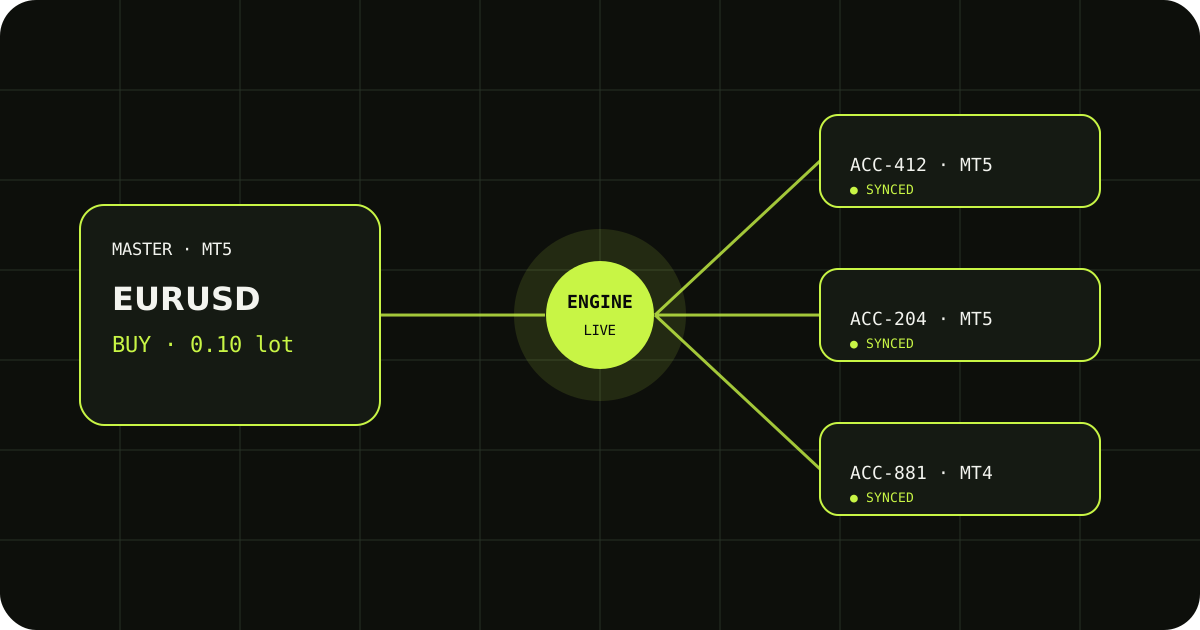
A demo account is useful, but only if you test the jobs your copier will actually do. A single successful BUY is not enough evidence. Before moving to a live account, spend a short session checking the full trade life cycle from the master terminal to each follower.
Start with a simple market order
Open one small demo position on the master and check the follower symbol, direction, volume, and entry. Write down what you expected before looking at the result. That makes it easier to spot a volume or symbol-mapping mistake.
Test changes, not just entries
Move the stop loss, take profit, and, if your strategy uses them, the pending-order price. Then close the trade and check that the follower ends in the same state. A copier that opens correctly but misses edits can still create a very different result.
Finish with the boring checks
Pause a terminal, reconnect it, and review the copier or terminal logs. Test the lot multiplier on a demo account, confirm AutoTrading is enabled, and make sure every follower uses the intended account and broker settings.
A sensible way to test it
- Write down the expected result before sending the demo trade.
- Check the terminal history and the copier logs, not only the chart.
- Change one setting at a time so you know which adjustment fixed the issue.
TradeCopierr is designed to make the copying route easier to inspect, but the final setup still depends on your broker, account type, symbols, permissions, and chosen settings. Use a demo account while you are learning the behavior, then decide whether the setup is appropriate for your own risk plan.
Read next: MT5 trade copier guide
Public comments are saved for this blog post and shown to other readers.