Blog · Trade Copierr
MT4 vs MT5 Trade Copier Setup: Which Terminal Pair Are You Actually Running?
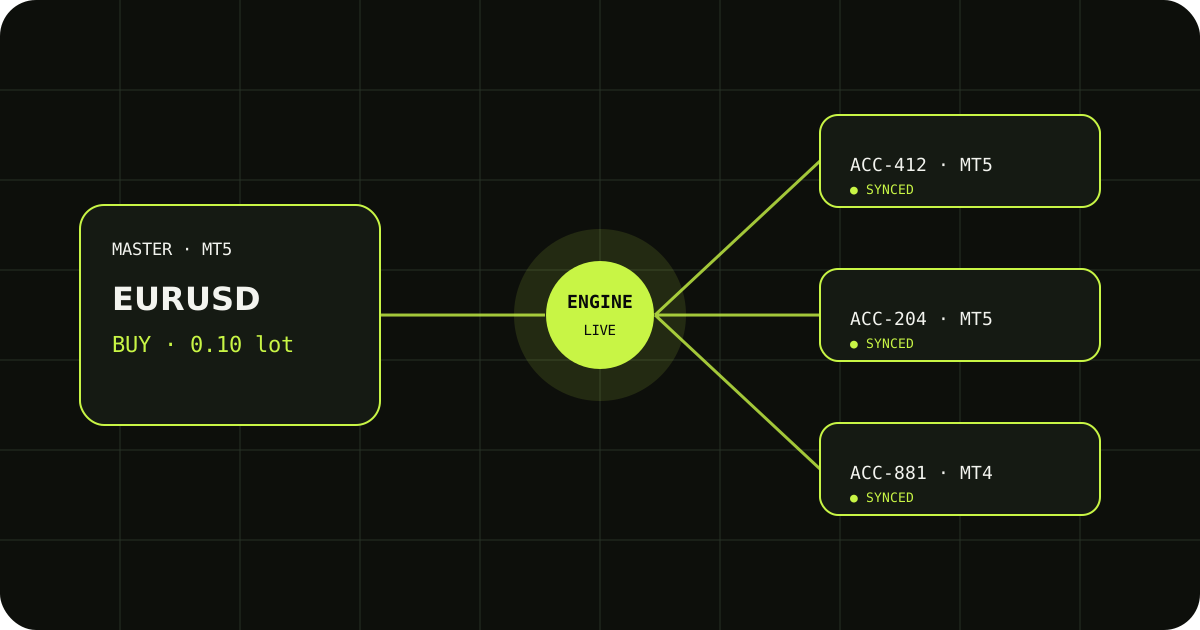
Before choosing an EA, write down the terminal on the master side and the terminal on every follower side. MT4 and MT5 are not two skins for the same terminal, so the setup, file location, symbols, and account behavior deserve a deliberate check.
Identify every terminal
A master on MT5 and a follower on MT4 is a different setup from MT5 to MT5. Make a small table with the broker, terminal version, account mode, and symbol naming for each account.
Install the matching EA
Use the EA built for the terminal you are attaching it to. Restart or refresh the Navigator after copying the file, then confirm the EA is visible before you configure the account.
Test the pair on demo first
Use one entry, one edit, and one close. Pay attention to contract size and symbol mapping when the terminals are different. The goal is a known setup, not a screenshot that merely shows both EAs attached.
A sensible way to test it
- Write down the expected result before sending the demo trade.
- Check the terminal history and the copier logs, not only the chart.
- Change one setting at a time so you know which adjustment fixed the issue.
TradeCopierr is designed to make the copying route easier to inspect, but the final setup still depends on your broker, account type, symbols, permissions, and chosen settings. Use a demo account while you are learning the behavior, then decide whether the setup is appropriate for your own risk plan.
Read next: MT4 trade copier · MT5 trade copier
Public comments are saved for this blog post and shown to other readers.