Blog · Trade Copierr
Copy MT4 to MT5: Setup Guide
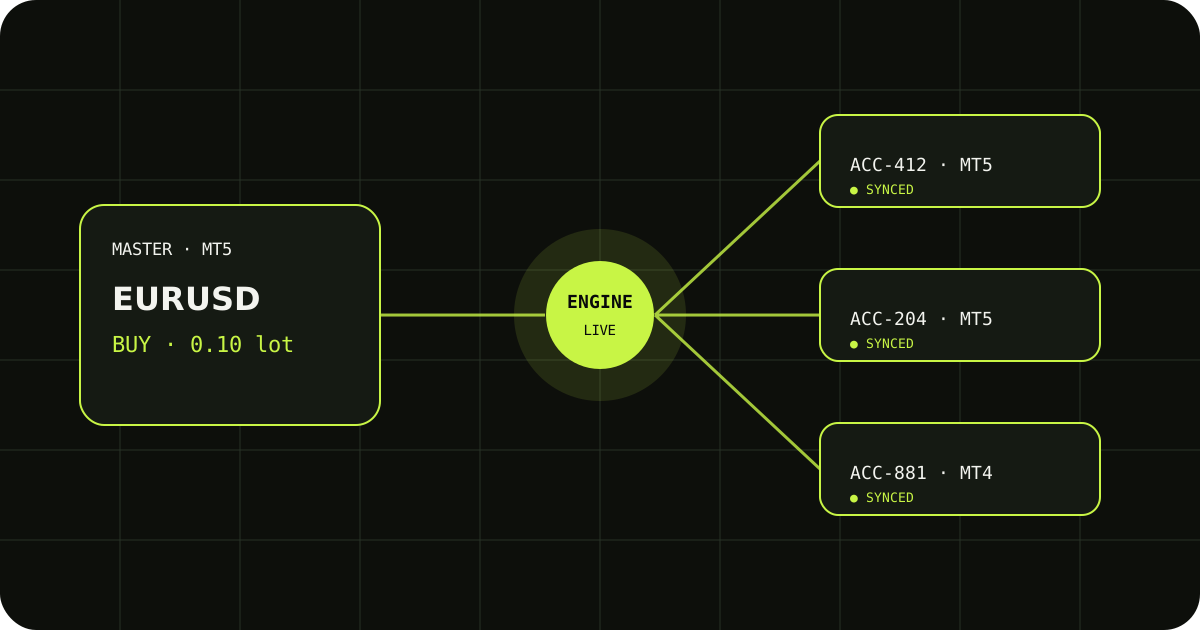
MT4 and MT5 are different terminal platforms, but a copier can connect an MT4 account to an MT5 account when it provides the correct EA for each side. The important question is not just whether a product says "MT4 and MT5"; verify the direction, account behavior, symbols, and trade events on demo.
Choose the source and destination
Write down whether the master is MT4 or MT5 and which platform each follower uses. Attach the platform-specific Master EA to the source and the matching Follower EA to every destination. Do not place an MT4 EA in an MT5 Experts folder or the other way around.
Check platform and broker differences
MT4 and MT5 brokers may use different symbol names, contract sizes, minimum volumes, and account rules. Map the exact Market Watch names and test a small volume on each follower before assuming that the same lot number represents the same exposure.
Prove the complete trade lifecycle
On demo, test one market entry, an SL or TP modification, a partial close if your strategy uses one, and a full close. Review both terminal histories and copier logs so a successful first entry does not hide a later compatibility problem.
Demo checklist (five minutes)
- One market entry on the master.
- Move SL or TP once.
- Close the position and confirm follower flat.
Trade Copierr provides hosted copier infrastructure and licensed EAs; results still depend on broker rules, symbol mapping, margin, and your lot settings. Use demo until the behavior matches your plan.
Read next: MT4 trade copier · MT5 trade copier
Public comments are saved for this blog post and shown to other readers.