Blog · Trade Copierr
How to Set a Copy-Trading Risk Limit Before the First Live Trade
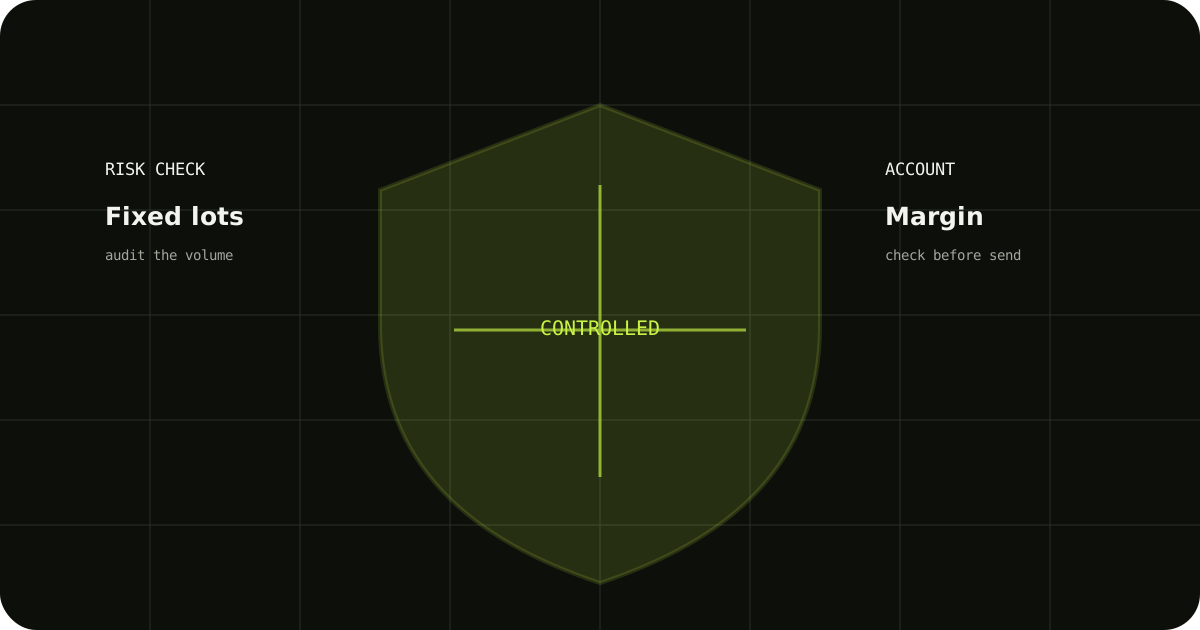
A risk limit is a decision you make before a trade arrives. It should explain what happens when the master lot is too large, free margin is low, the market is outside your trading window, or the follower has already reached its exposure limit.
Start with a maximum follower volume
Choose a maximum lot or exposure level that fits the account. Test what the copier does when the incoming trade is above that limit: reject it, reduce it, or require a manual decision.
Add account-level checks
Review free margin, open positions, daily loss rules, and whether news or session filters apply to the follower. Keep those checks visible in the settings and logs.
Test the limit before live use
Create a demo trade that should be accepted and another that should be blocked. The correct result is not always a trade; sometimes it is a clear log entry explaining why no order was sent.
A sensible way to test it
- Write down the expected result before sending the demo trade.
- Check the terminal history and the copier logs, not only the chart.
- Change one setting at a time so you know which adjustment fixed the issue.
TradeCopierr is designed to make the copying route easier to inspect, but the final setup still depends on your broker, account type, symbols, permissions, and chosen settings. Use a demo account while you are learning the behavior, then decide whether the setup is appropriate for your own risk plan.
Read next: Risk management guide
Public comments are saved for this blog post and shown to other readers.