Blog · Trade Copierr
How to Choose a VPS for MT5 Copy Trading Without Chasing Fake Latency Claims
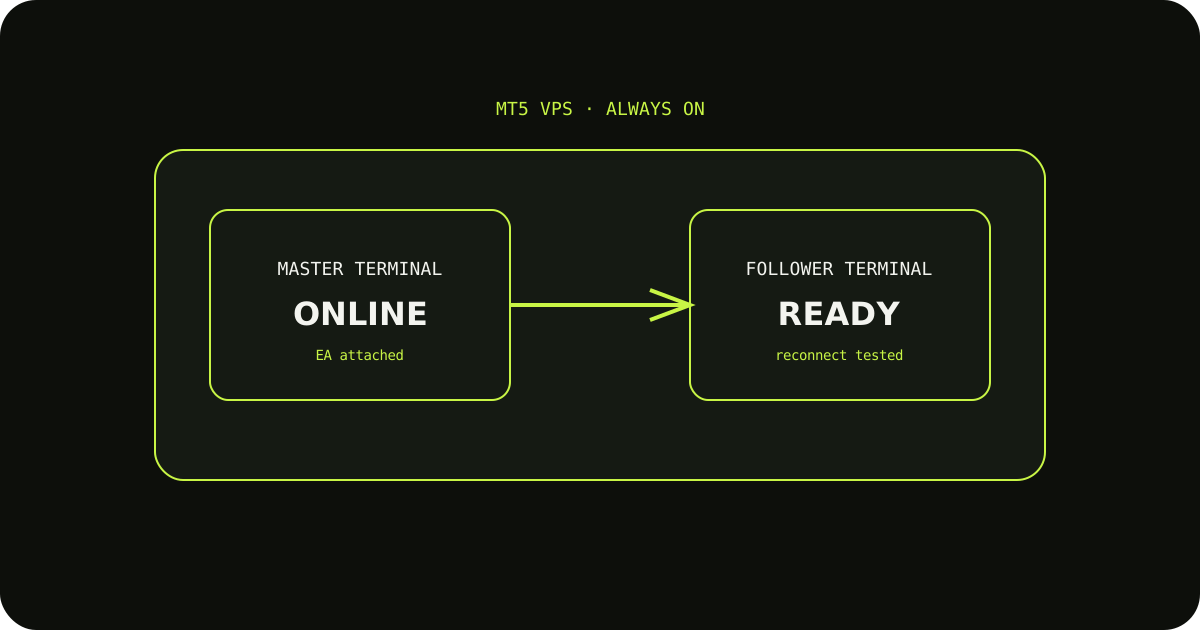
A VPS comparison that only talks about milliseconds misses the failures traders notice most: a terminal that logs out, a Windows update at the wrong time, or a session that does not restart after a reboot. Stability is part of execution quality.
Look for boring reliability
Check the provider's uptime history, restart policy, storage, memory, and support response. MT5 terminals and chart data are not especially demanding, but a crowded or unstable machine is still a problem.
Choose a sensible location
A nearby data centre can help, but the best location depends on your broker, signal route, and account setup. Treat location as one factor, not a guaranteed copy-time promise.
Measure your own setup
After installation, record disconnects, terminal restarts, and log errors for a week. That evidence is more useful than a marketing claim that does not describe your broker or route.
A sensible way to test it
- Write down the expected result before sending the demo trade.
- Check the terminal history and the copier logs, not only the chart.
- Change one setting at a time so you know which adjustment fixed the issue.
TradeCopierr is designed to make the copying route easier to inspect, but the final setup still depends on your broker, account type, symbols, permissions, and chosen settings. Use a demo account while you are learning the behavior, then decide whether the setup is appropriate for your own risk plan.
Public comments are saved for this blog post and shown to other readers.